Row & Page / Guides
ATS-Friendly Resume Template for Word: What to Keep, What to Drop
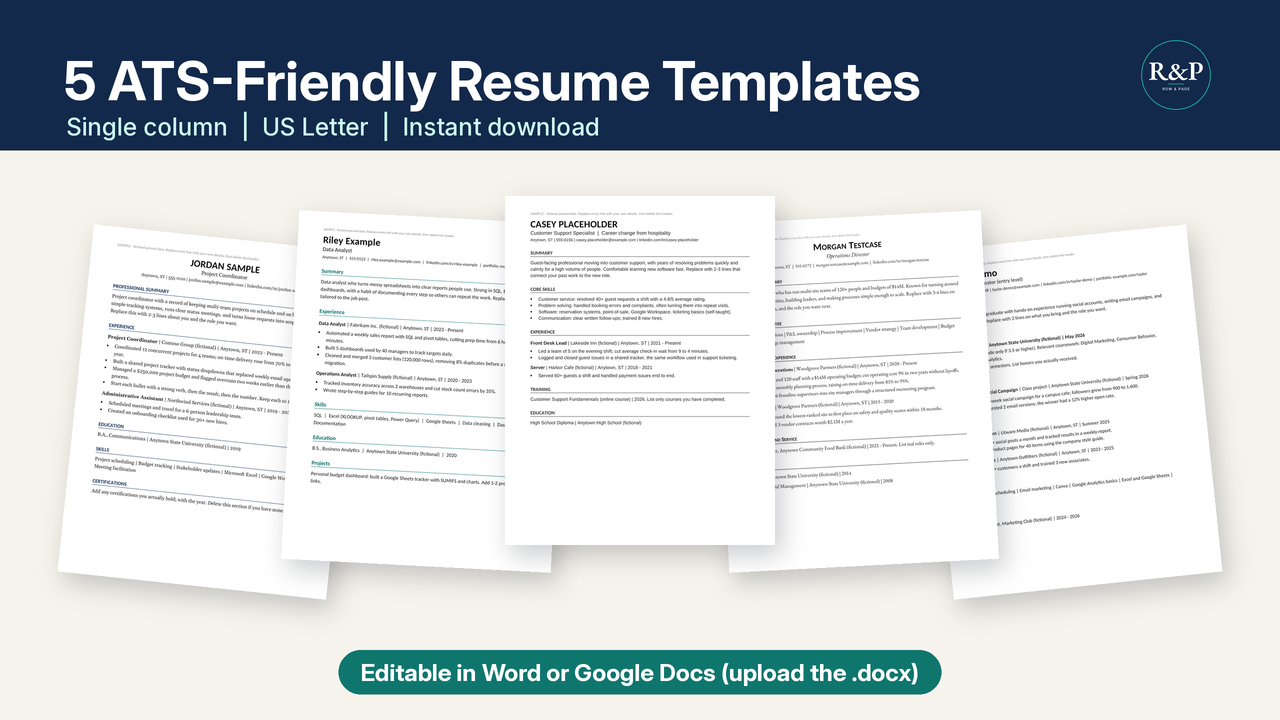
You want an ATS-friendly resume template for Word: a file you can fill in and send. I sell plain, single-column resume, cover letter, and interview templates at Row & Page, in Word, Google Docs, and .xlsx. Follow the steps in a blank document if you never buy a file. A template cannot guarantee interviews, an offer, or a job.
Quick check: is your resume file ATS-readable?
Answer five questions about your current resume file. Each "No" comes with the fix I use in the Row & Page templates.
This compares your file with the layout checklist I use. It can't tell you how a particular applicant tracking system will read your file, and no template can guarantee interviews.
When I say ATS-friendly, I mean the formatting choices I build into the Row & Page templates and the checklist I use before I send a file. I mean layout, so the page stays easy to edit, copy, and read.
Formatting choices I keep
- One column. Text runs top to bottom, with no sidebar.
- Standard headings: Summary, Experience, Education, Skills. Add Projects only if you need it. Use those words, not a cute label.
- Real text you can highlight. Do not put your history inside an image or a logo.
- No tables, text boxes, graphics, or icons in the body. Skip bars, stars, and icon rows.
- One date pattern, like
2022 - Presentor2019 - 2022. Add a month on every role, or on none. - A file name like
Firstname-Lastname-Resume.pdf. - PDF, unless the posting asks for another format. If it asks for Word, send .docx.
What to leave off
- A full street address. City and state are enough.
- A photo, birth date, or marital status.
- A references line. Use that space for a work bullet.
- Phone or email living only in the header or footer. Put both in the body under your name.
Build it section by section
Name and contact line
Write your name, then city and state, phone, a professional email, and a LinkedIn URL. Use an email that contains your name.
Made-up example, not a real person: Riley Example | Columbus, OH | 555-010-0142 | riley.example@example.com | linkedin.com/in/rileyexample
Summary in two or three lines
Fill this in and stop: [Job title] with [number] years in [field]. I [the work you do] for [kind of employer]. I want a [target role] where I can [one skill you can prove].
Made-up example, as Casey Placeholder at a regional logistics company: Warehouse supervisor with 8 years in outbound shipping. I train new pickers and keep the dock schedule honest. I want a supervisor role where I can cut missed load times.
Experience, newest first
List the title, employer, city and state, and dates, then bullets. Put the newest role first and give it more bullets than older roles.
Formula: [Verb] [what you did] for [who or what], which [result verb] [number] [unit]. Change version: [Verb] [task] by [method], moving [metric] from [old number] to [new number]. Skip "responsible for" and "helped with."
If you lack a count, use a log or a total you can explain. Never invent one.
Made-up examples for Riley Example at a regional logistics company. The numbers are invented, so replace them.
- Cut mis-picks on the evening wave by adding a second scan at the dock door, moving recounts from 40 a week to 11 a week.
- Trained 12 seasonal pickers with a one-page checklist, which shortened the first solo shift from 5 days to 3 days.
Fictional weak line: "Responsible for the weekend schedule." Fictional stronger line: "Built the weekend schedule for a crew of 18, which covered 9 open shifts."
Skills you can back up
List a skill only when you can name a place, a task, and a result, and write it in the posting's words when those words are true. Cycle counts may be written as inventory control. Leave off any task you have not done.
Quick test: if you cannot say when you last did it, delete it. Made-up line for Casey Placeholder: inventory control, RF scanners, shift scheduling, OSHA 10.
Education
School or issuer and credential. A year is optional. Add a GPA only if it is 3.5 or higher, the rule the entry-level template uses. Made-up example: State College of the Plains, Associate degree, Supply Chain. Forklift certificate, kept current on the job.
Using it in Word
Open the .docx in Word, or follow the Google Docs steps in the how-to guide that comes with the templates. Either way, keep the built-in styles: section titles use the Heading 1 style and bullets use List Bullet, so a new line you add matches the old ones. Type over the sample text instead of pasting in formatted text from another file. When you are done, save a copy as PDF unless the posting asks for Word.
Changing fields? The same layout rules apply to a cover letter, and my career change cover letter template shows the skills-first version.
Pre-send checklist
Run this before you attach the file.
- Delete sample lines. If a bullet still describes a sample person, remove it.
- Search for leftover placeholder text. Look for Your Name, Company, lorem, TODO, xxx, Insert, and brackets such as [result].
- Set the length. One page if you have under about 10 years of experience, and two pages at most otherwise.
- Spell-check, then read aloud. Your ear catches a real word in the wrong place, such as form for from.
- Save as PDF named like
Firstname-Lastname-Resume.pdf, unless the posting asks for another format. Select one sentence to confirm the words are real text.
Plain-text skeleton you can copy
Copy the lines into a blank document. Replace each bracket, then delete the brackets.
FIRSTNAME LASTNAME
City, ST | Phone | firstname.lastname@example.com | linkedin.com/in/your-url
SUMMARY
[Job title] with [number] years in [field]. I [work you do] for [kind of employer]. I want a [target role] where I can [skill you can prove].
EXPERIENCE
[Job title] | [Employer] | [City, ST] | [YYYY - Present]
[Verb] [what you did] for [who], which [result verb] [number] [unit].
[Verb] [task] by [method], moving [metric] from [old number] to [new number].
[Earlier title] | [Employer] | [City, ST] | [YYYY - YYYY]
[Verb] [what you did], which [result with a number].
EDUCATION
[School] - [Degree or certificate], [Field]
SKILLS
[Skill from the posting you can prove], [skill], [tool you use]
FAQ
Can I use this ATS-friendly resume template in Word?
Yes. The Row & Page templates are .docx files made for Word, and the included how-to guide also covers opening them in Google Docs. The skeleton on this page is plain text, so it pastes into either.
What makes a resume template ATS-friendly here?
Here it means the layout choices I build in: one column, standard headings, real text, and no tables, text boxes, graphics, or icons in the body. It is a formatting checklist, not a promise about how any particular system reads a file.
Does an ATS-friendly template guarantee an interview?
No. A template cannot guarantee interviews or offers. It keeps the file simple so your own experience is easy to read.
Next step
Write from the skeleton, or use the ATS Resume Template Pack, five single-column .docx templates. For a printable pass, take the free ATS resume checklist and 10 fill-in-the-blank bullets PDF. Put your own facts in. A template cannot guarantee interviews.